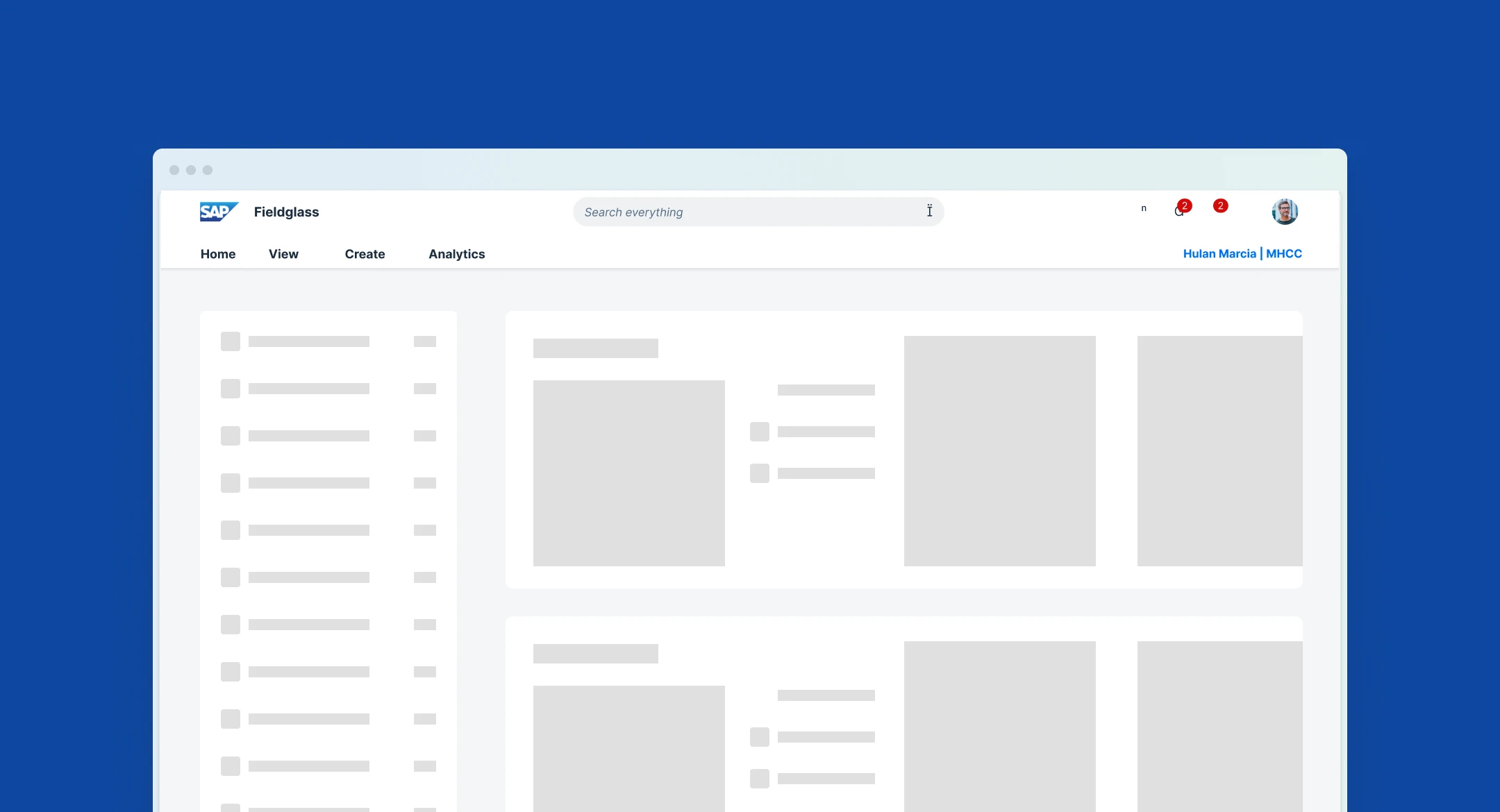
SAP Fieldglass Homepage
Overview
SAP Fieldglass helps companies find, engage, and manage external workers and services providers. The current homepage wasn't designed with hiring managers as the primary users, so it didn't match their work — how could we help hiring managers work more efficiently on the Fieldglass homepage?
I redesigned a homepage widget to improve hiring manager working efficiency at SAP Fieldglass.
Narrow down scope
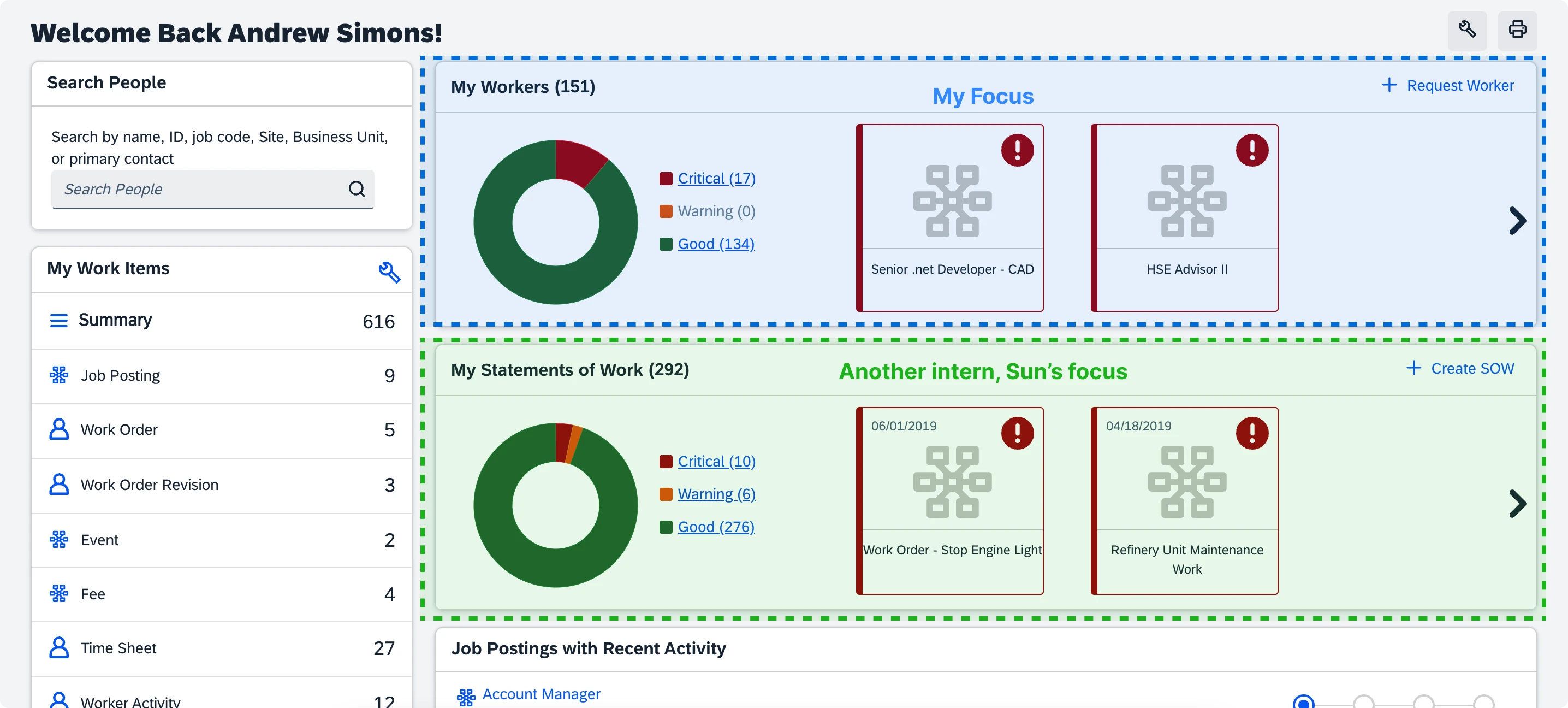
Redesigning the homepage includes a large scope and many features.
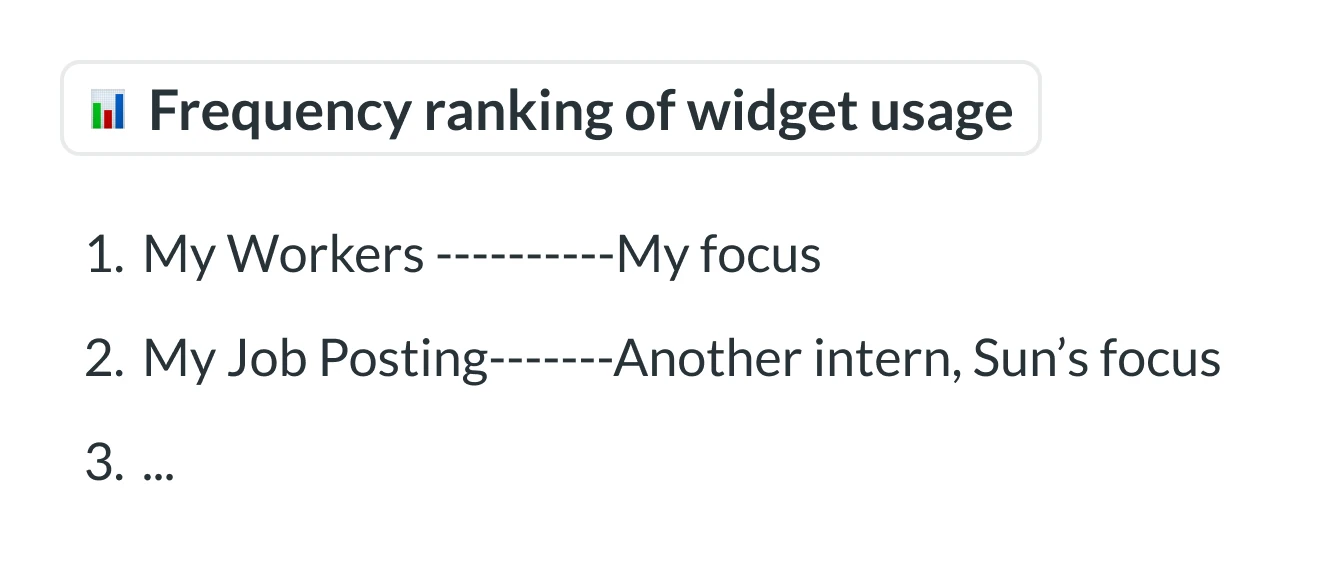
Based on data analysis of homepage widget usage frequency, I collaborated with my design manager and my mentor to define phase 1's scope.
Research
Since this was my first internship project, we were unsure of the specific problem to address at the start. To handle that ambiguity, the first step was to understand the users, the product, and the design system.
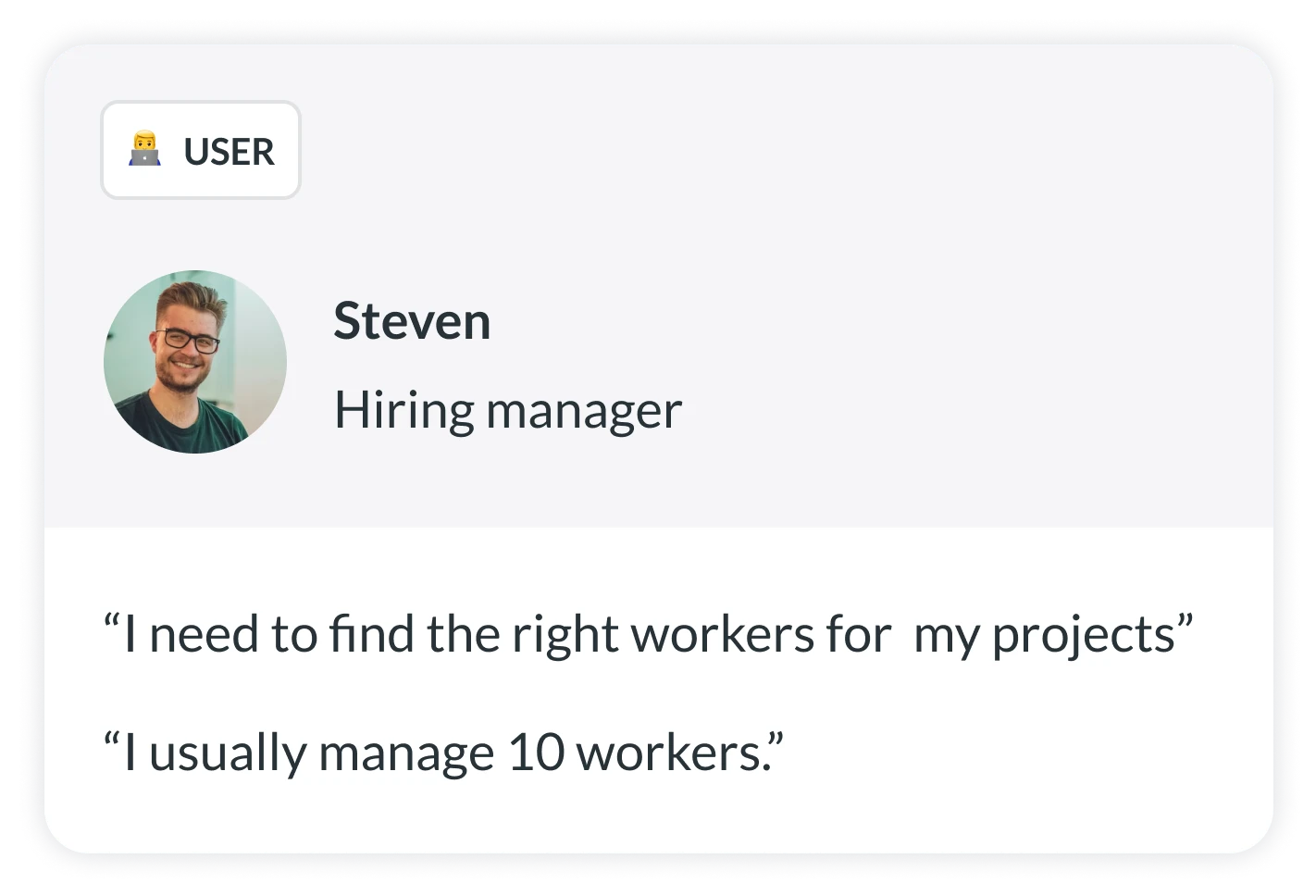
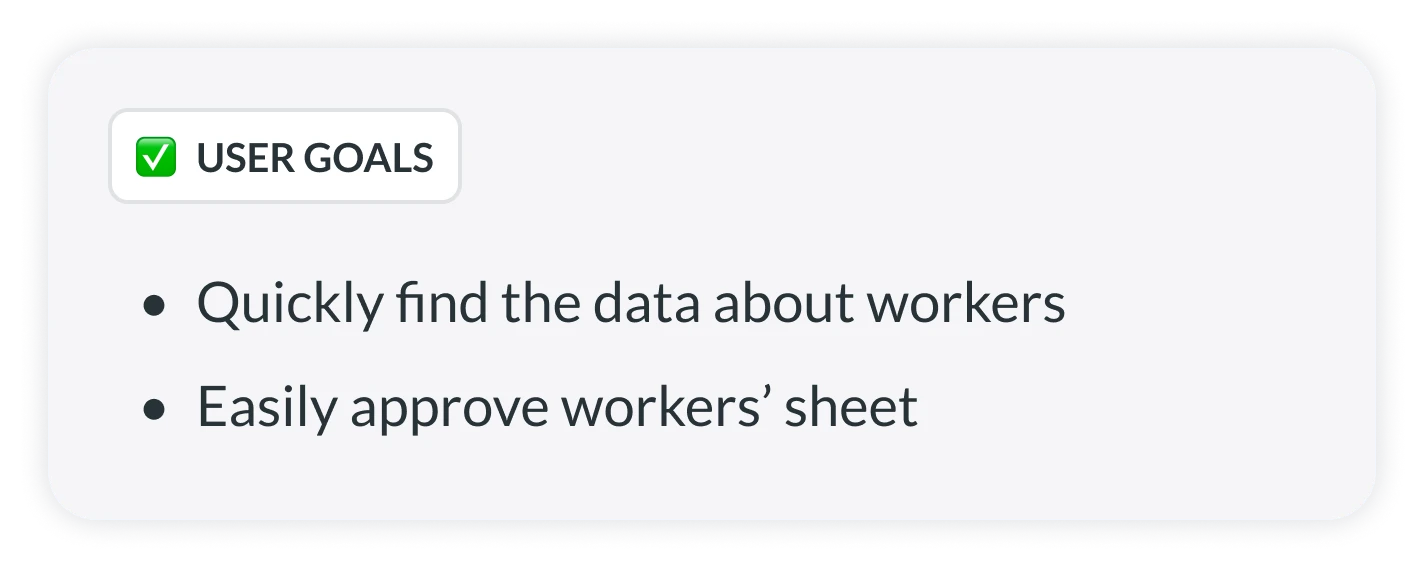
User goals
I learned about the user from a user persona created by other designers in the past.
User problems
I conducted a heuristic evaluation and studied the previous survey about the homepage to familiarize myself with the Fieldglass system and identify user issues.
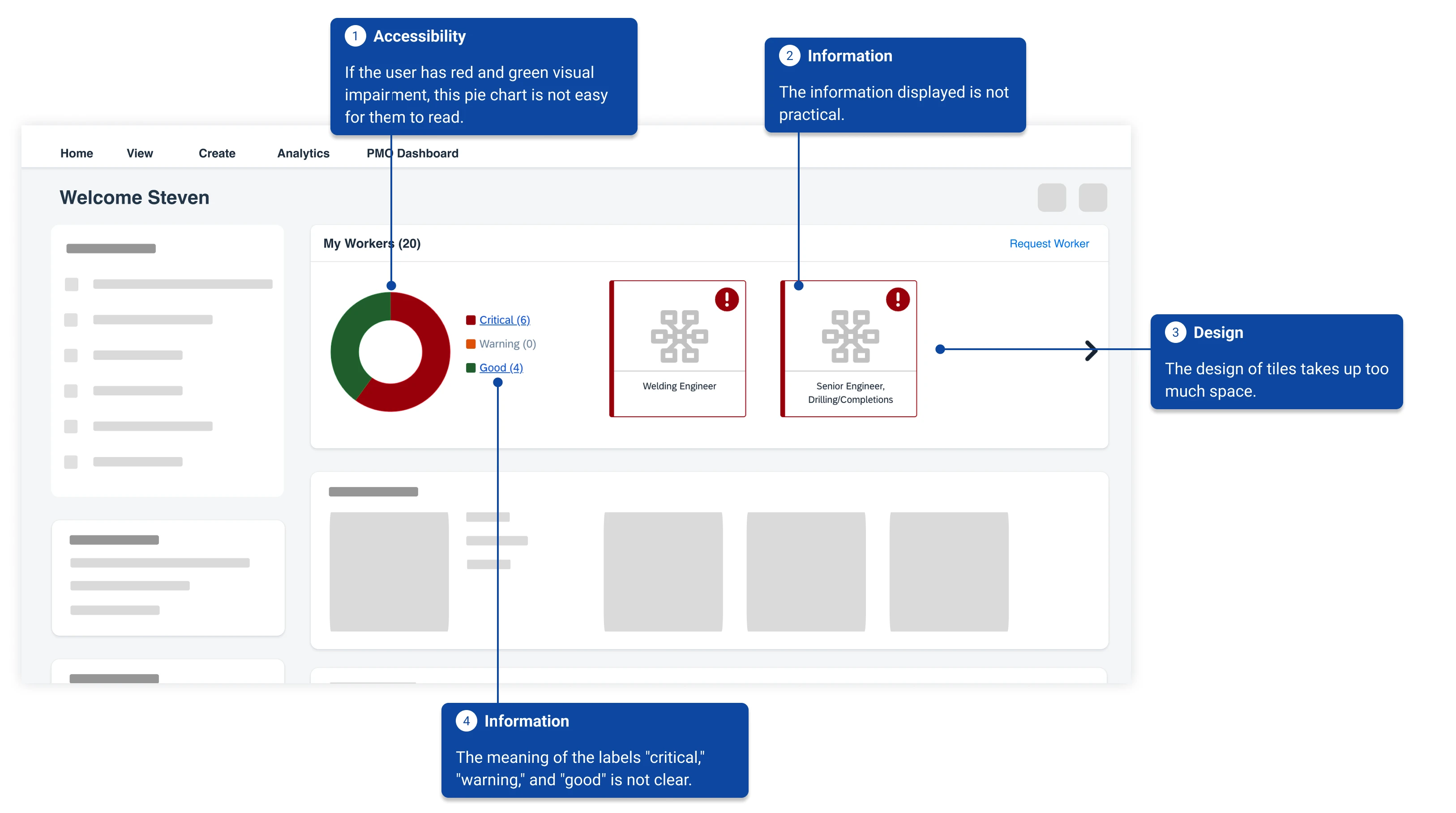
Reduce user confusion and make the widget more useful
Design explorations
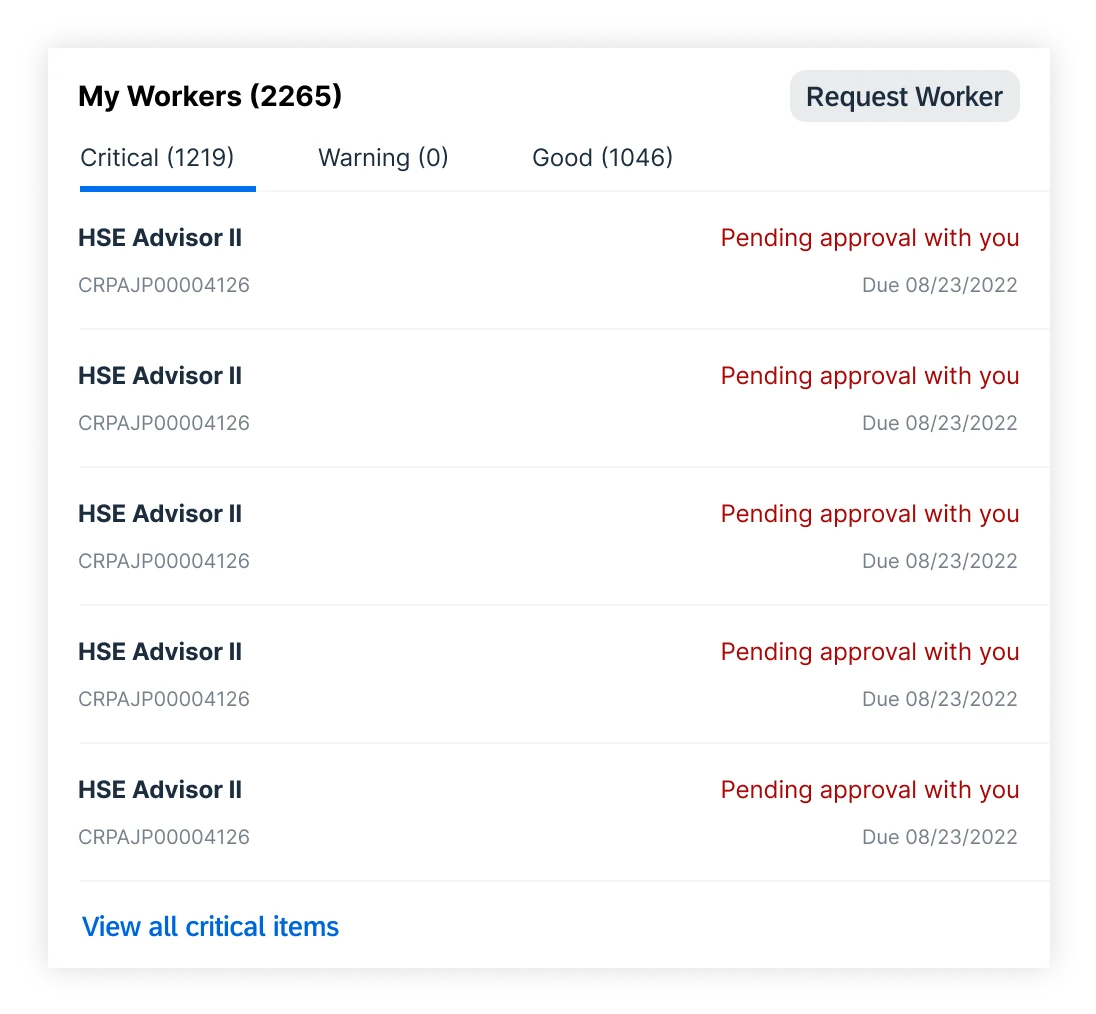
Based on the above information, I started the first round of exploration from the perspective of how to provide effective information.
Exploration 1
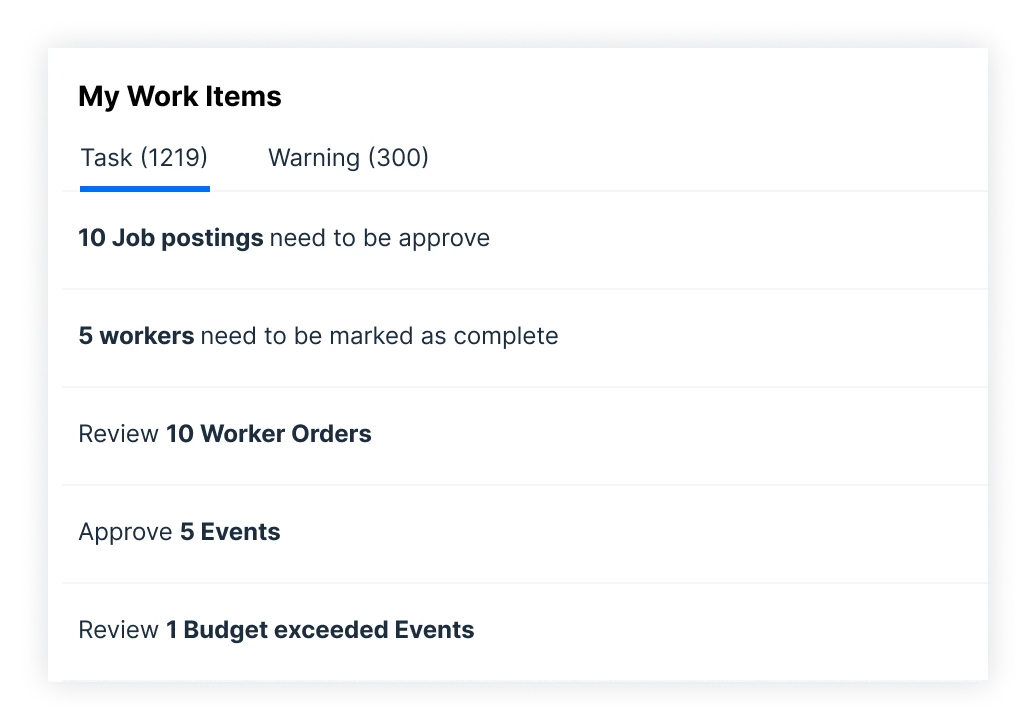
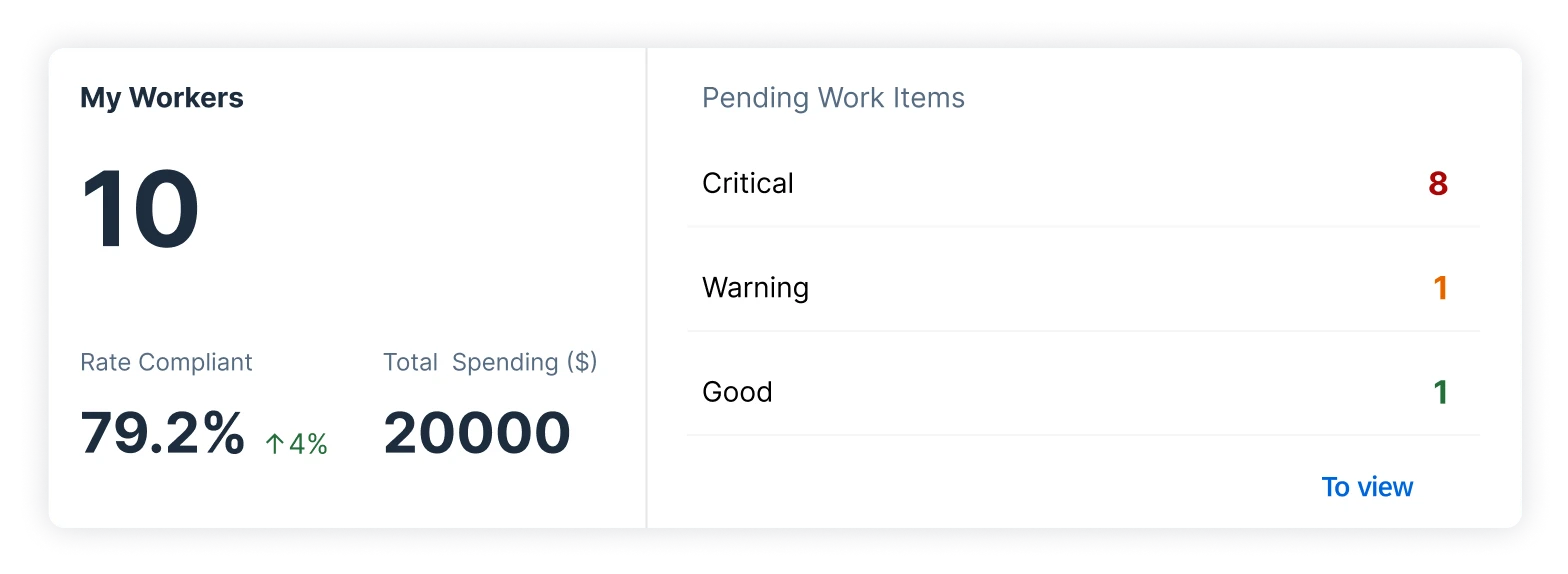
Keep the labels and add extra information for the hiring manager to know what's essential on the homepage.
Exploration 2
Remove the labels and separate the information into what the hiring manager needs to do and what they need to know.
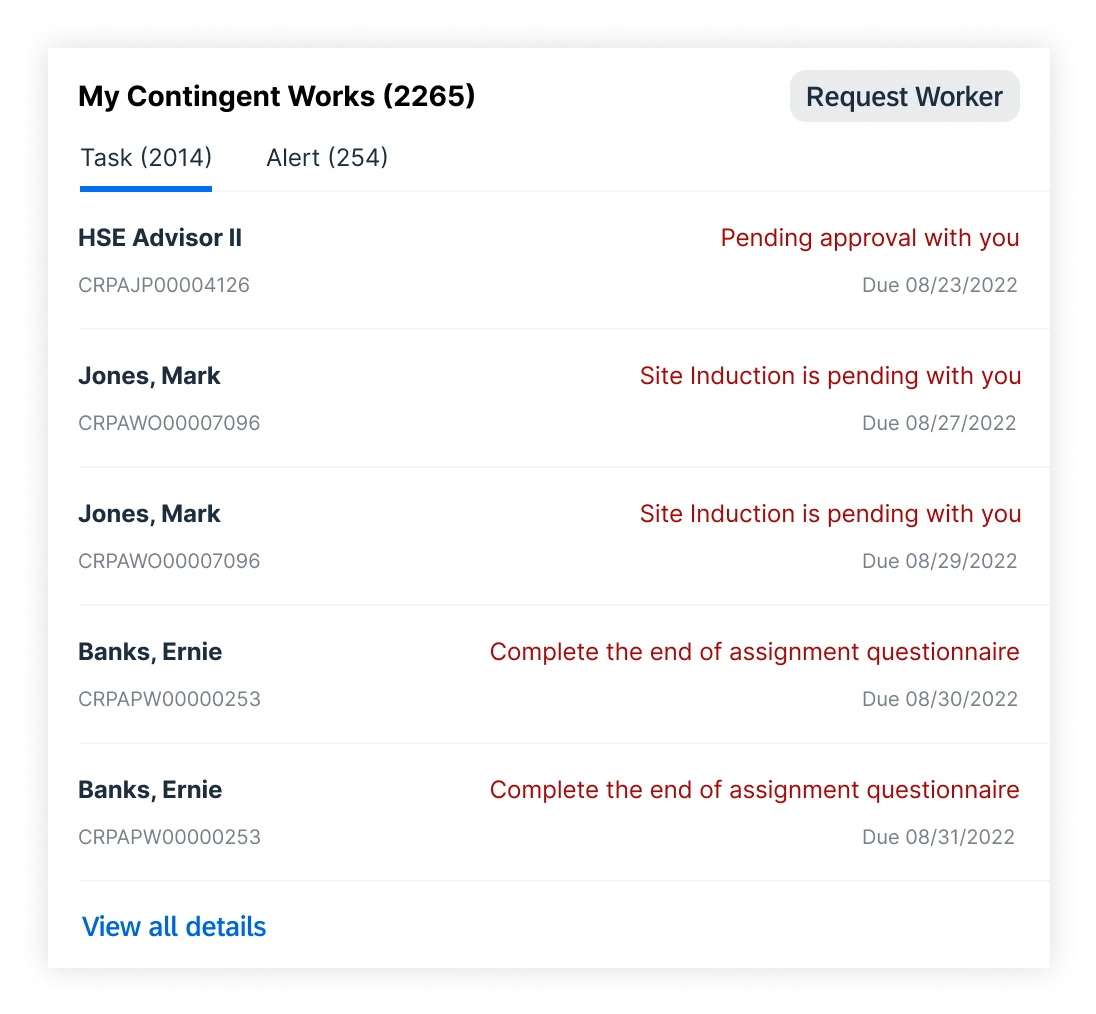
Exploration 3
Remove the labels and separate the information into what the hiring manager needs to do and what they need to know.
Design critique
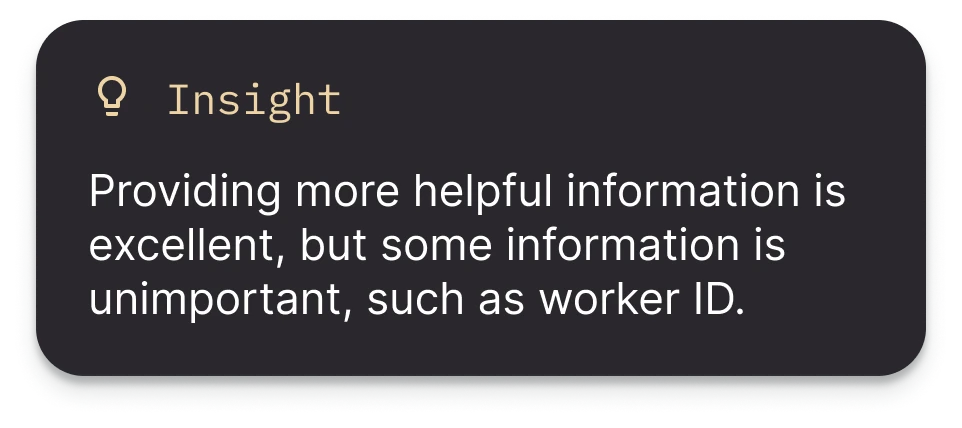
We conducted a design critique session with other designers to get feedback.
Iteration
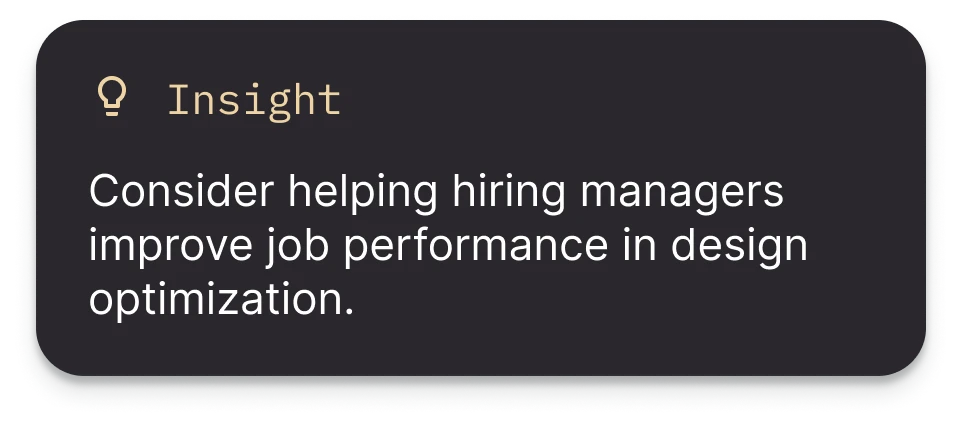
I got more ideas from critique and competitive analysis, and thought about it from a higher level:
- How can we promote the efficiency of hiring managers managing workers?
- What kind of data affects a hiring manager's performance?
New idea 1
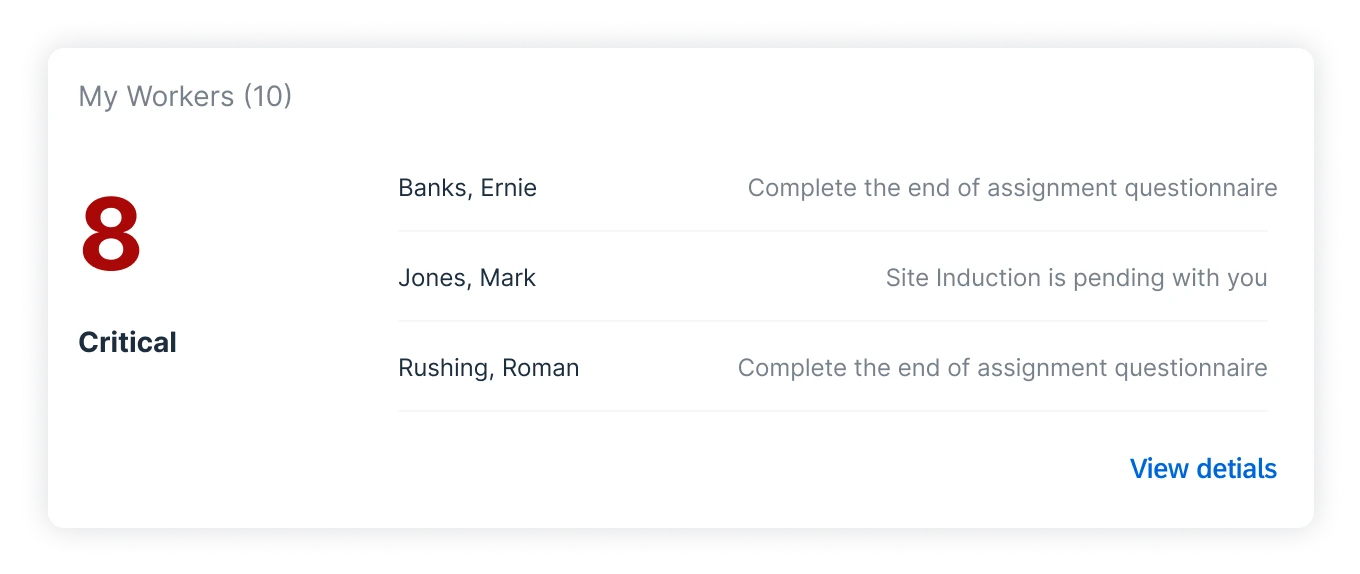
Show only key information, such as worker name and pending tasks, to help hiring managers quickly make the next move.
New idea 2
Remove the labels and separate the information into what the hiring manager needs to do and what they need to know.
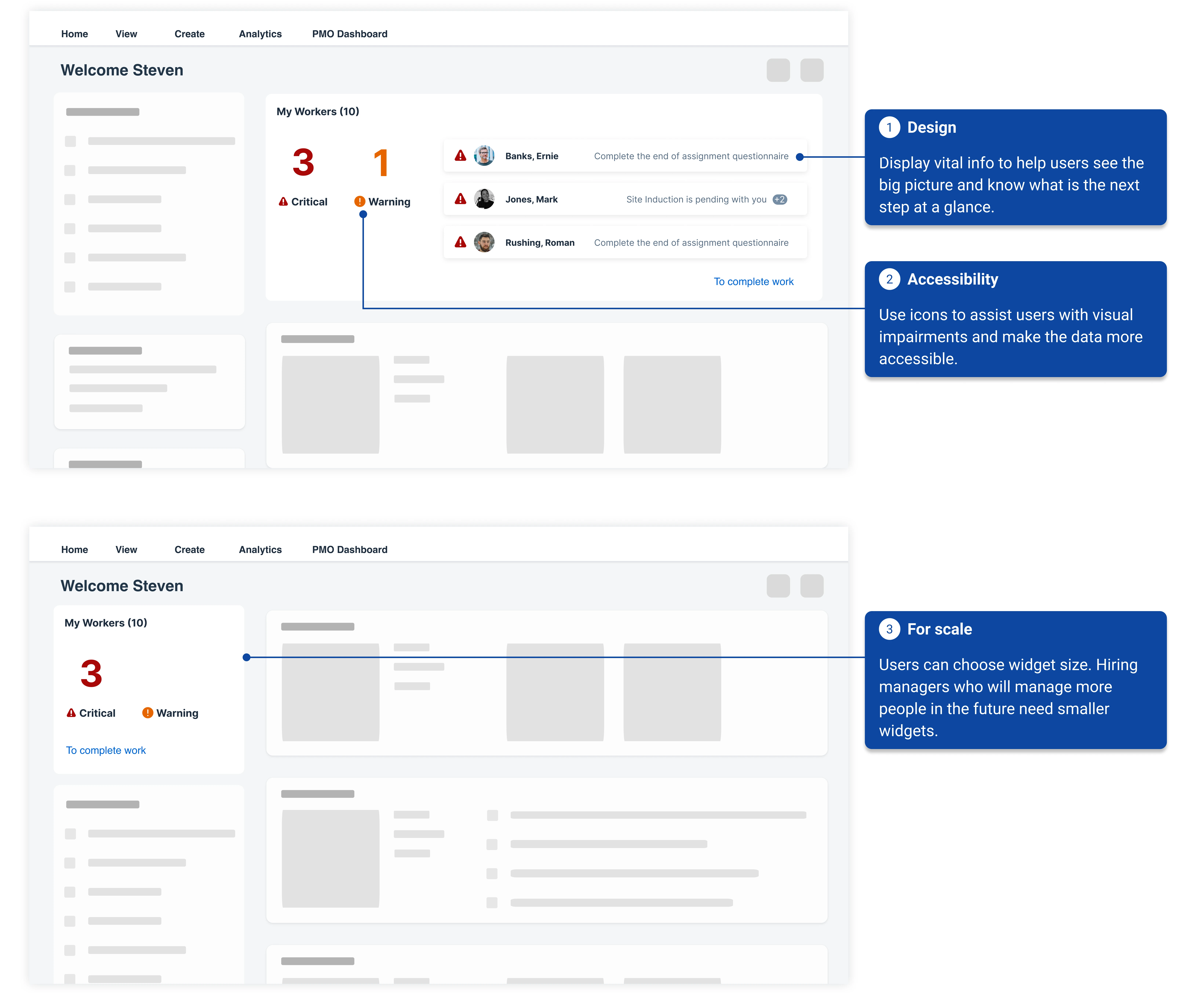
Final design
After another round of critique and aligning with the SAP design system, I polished the final design.
Next steps
Due to the limited time of the internship, I only participated in this project up to this stage. If I can continue the work, I will:
- 01Conduct user testing with real users to validate the design.
- 02Work with the PM to determine data related to user job performance.
- 03Collaborate with the data analysis team to identify success metrics, and with the dev team to ensure correct logging of data.
Learnings
I'd like to thank my leader, my mentor, and the friends I made at SAP — what a great summer!